
Bomahut SMS Copilot Setup
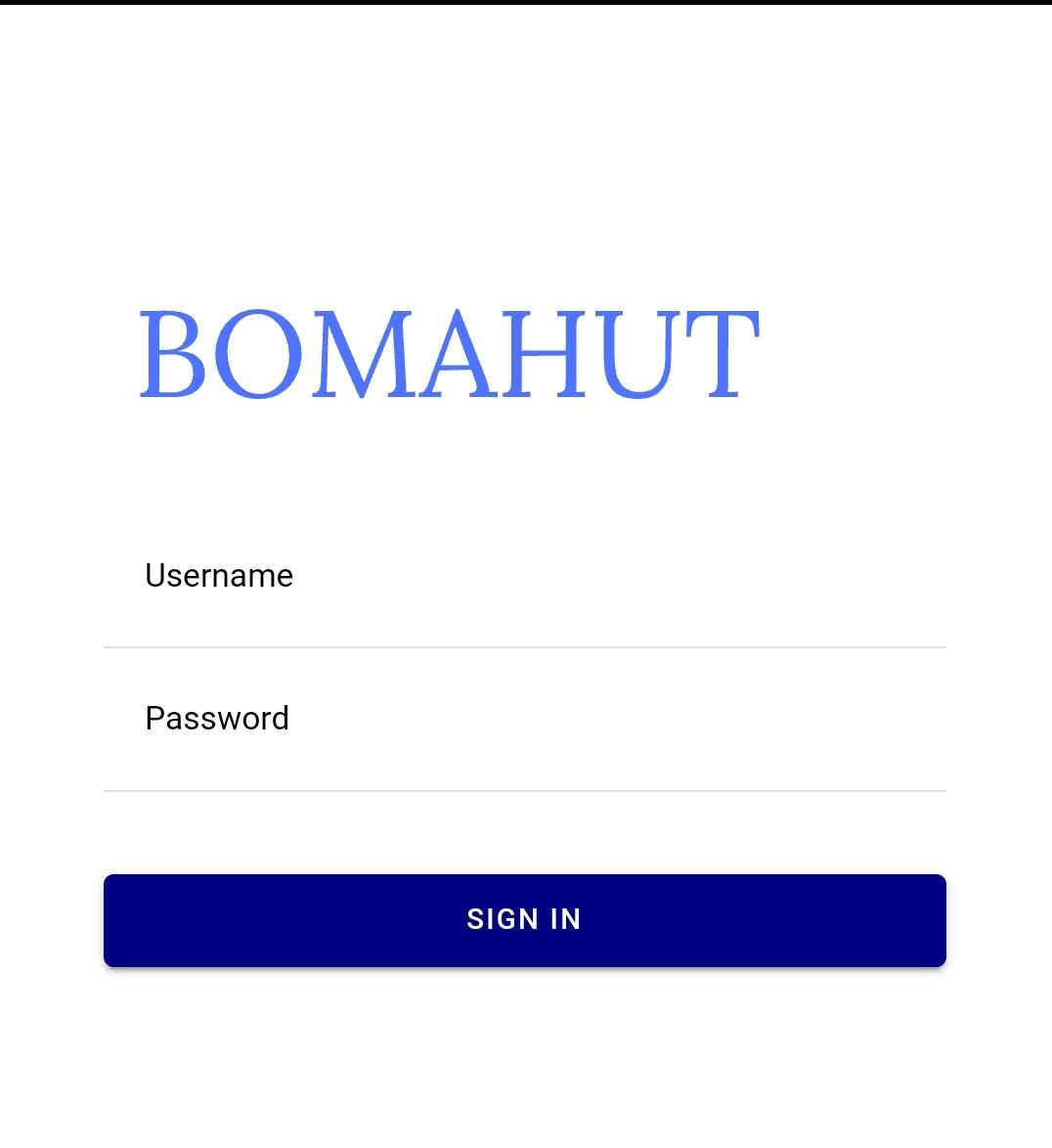
Step 1. Login
Login to your Bomahut account.
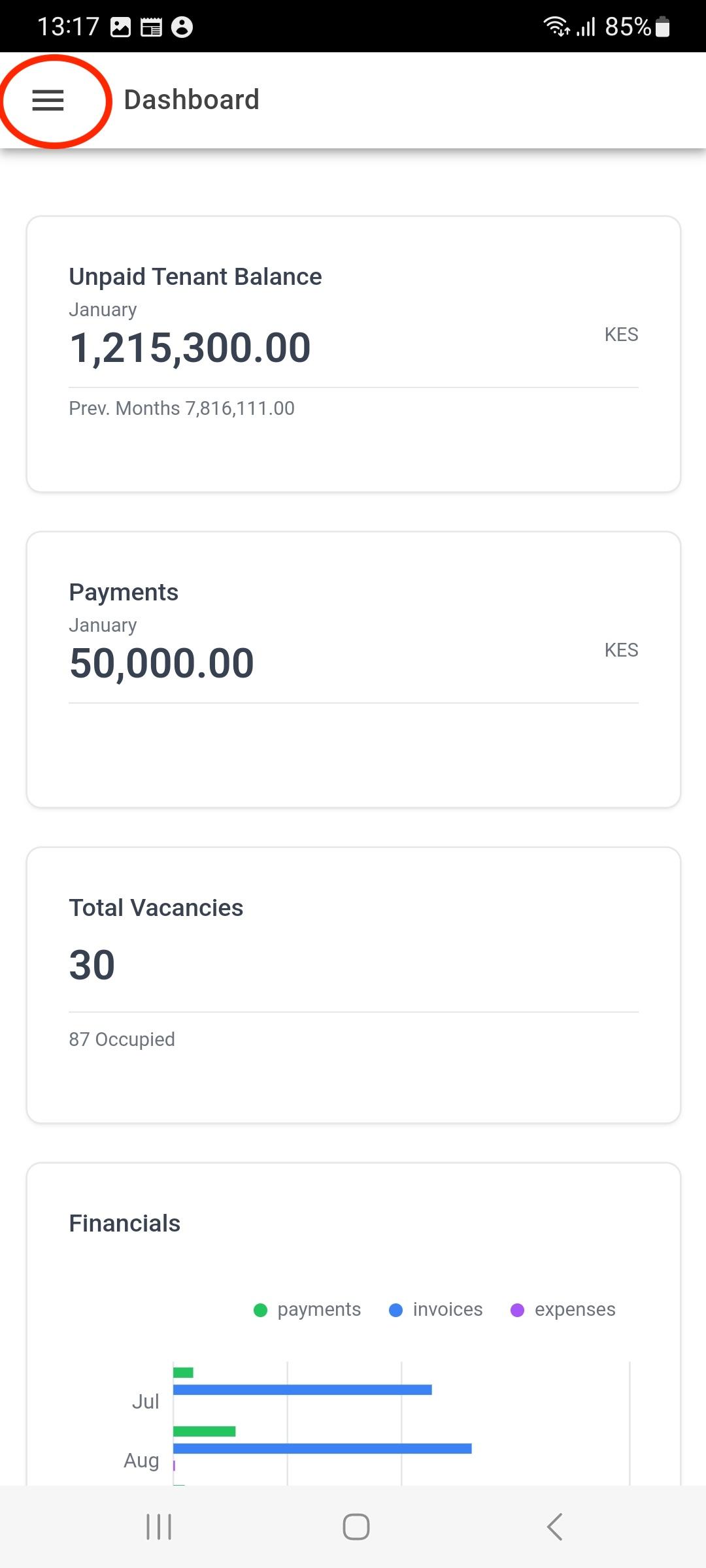
Step 2. Click Menu Button
Click on the menu button on the top left.
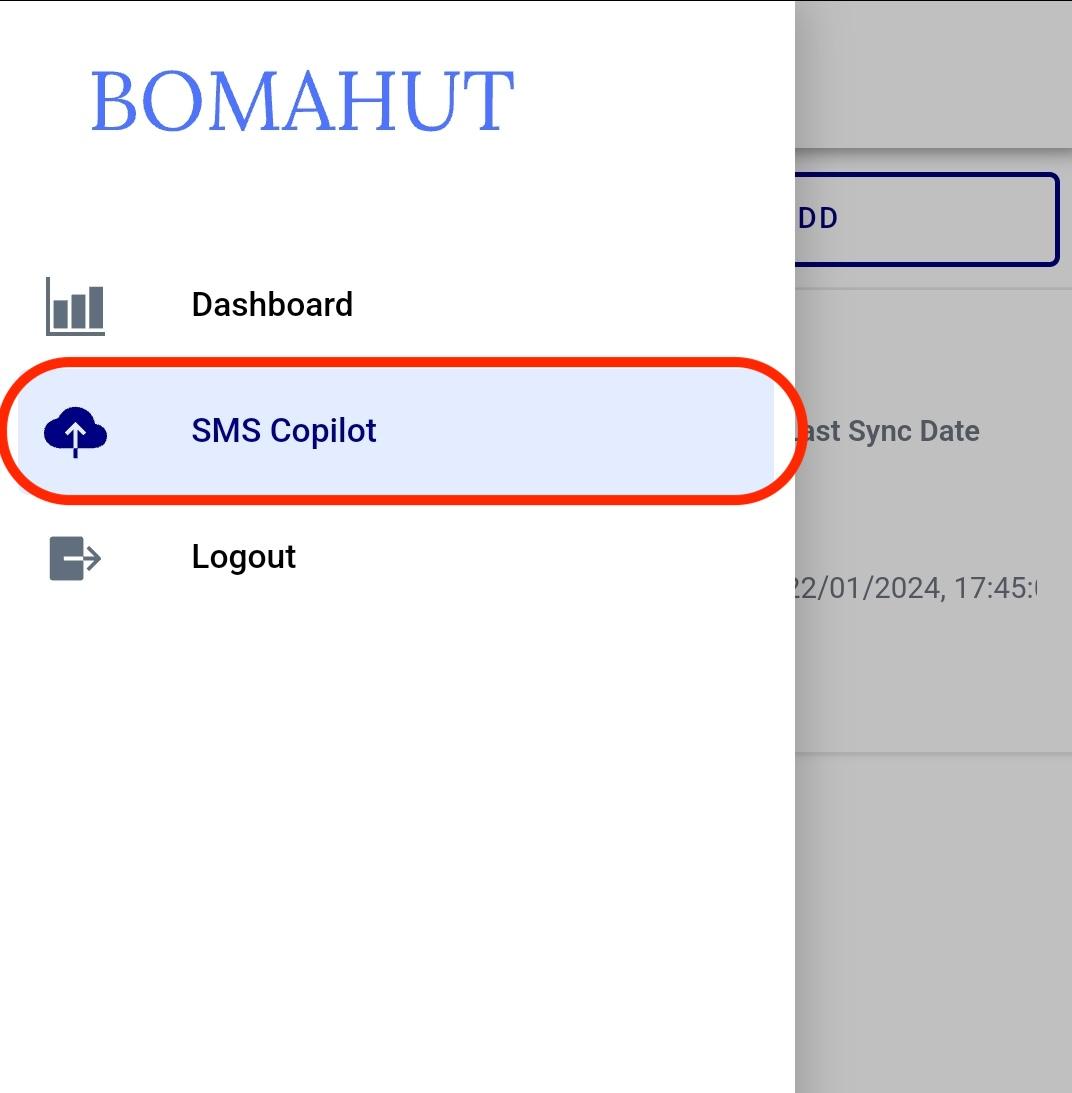
Step 3. Select 'SMS Copilot'
Select the SMS Copilot item in the menu.
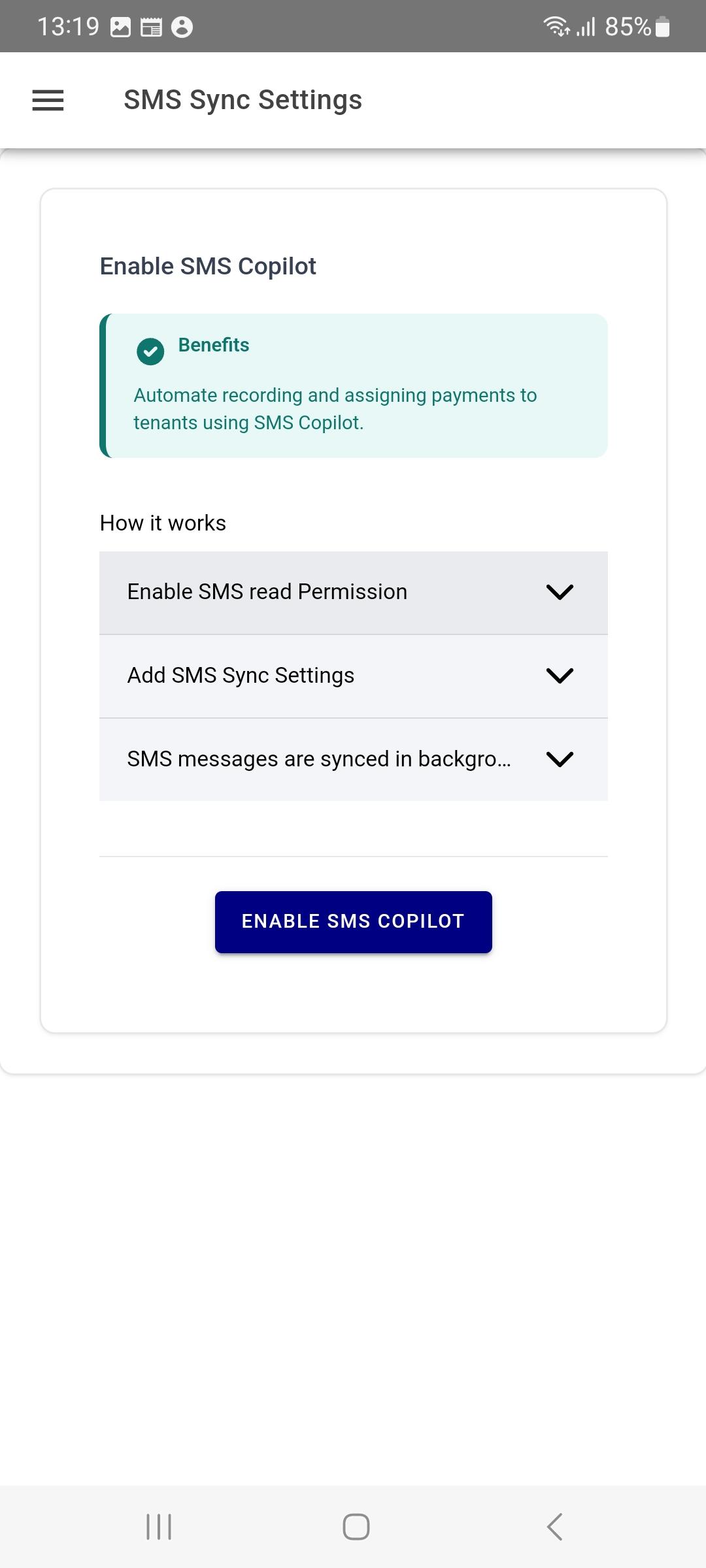
Step 4. Select 'Enable SMS Copilot'
Enable SMS Copilot.
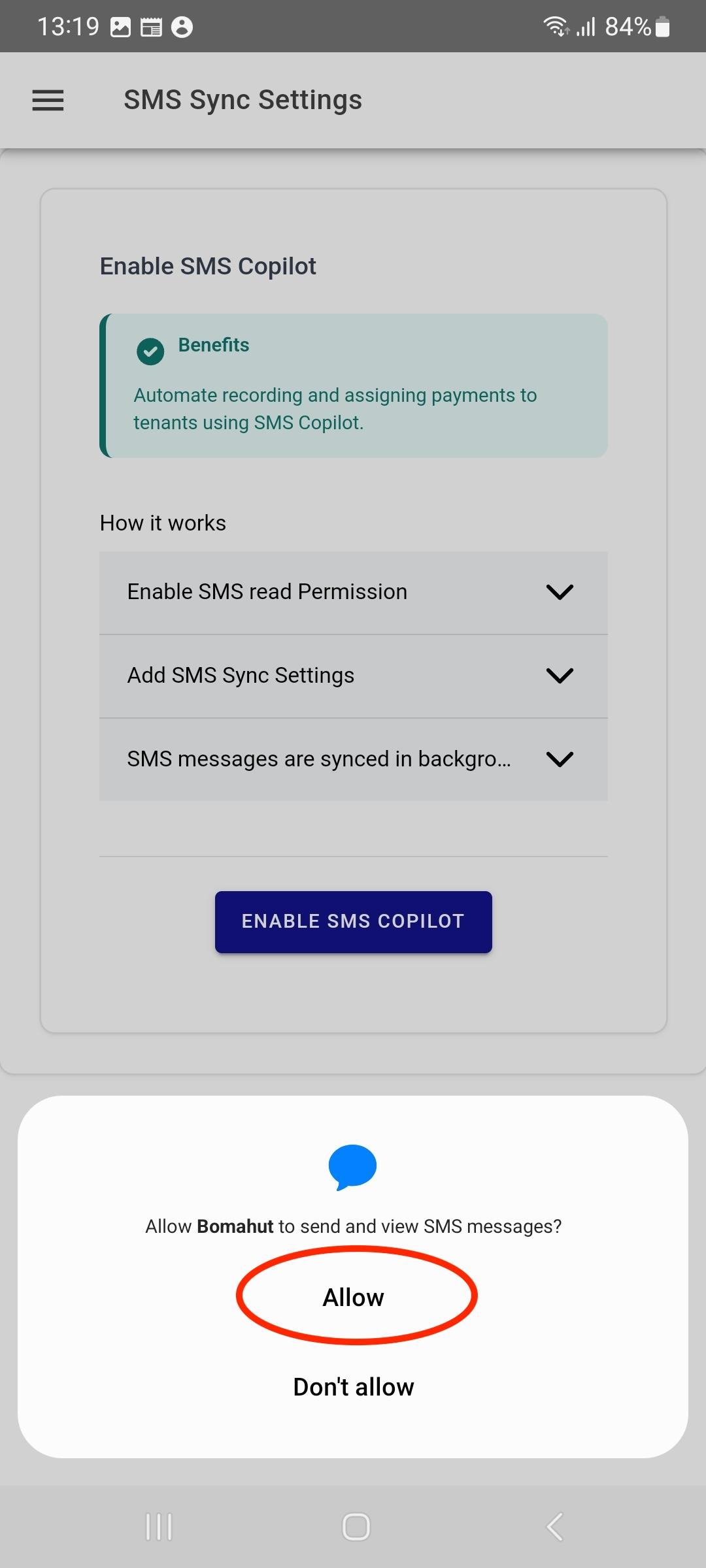
Step 5. Grant permissions to access SMSes
Allow the application to access SMSes that come from your bank.
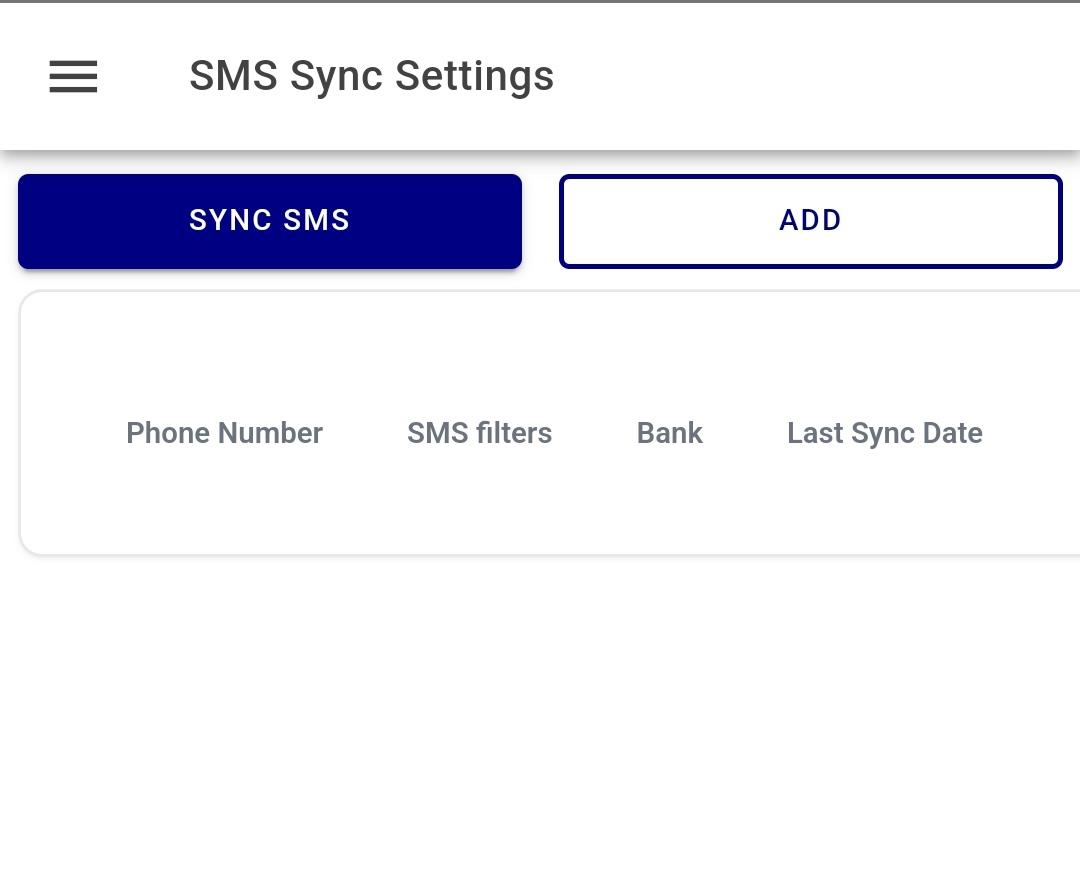
Step 6. Select 'Add' on the top right
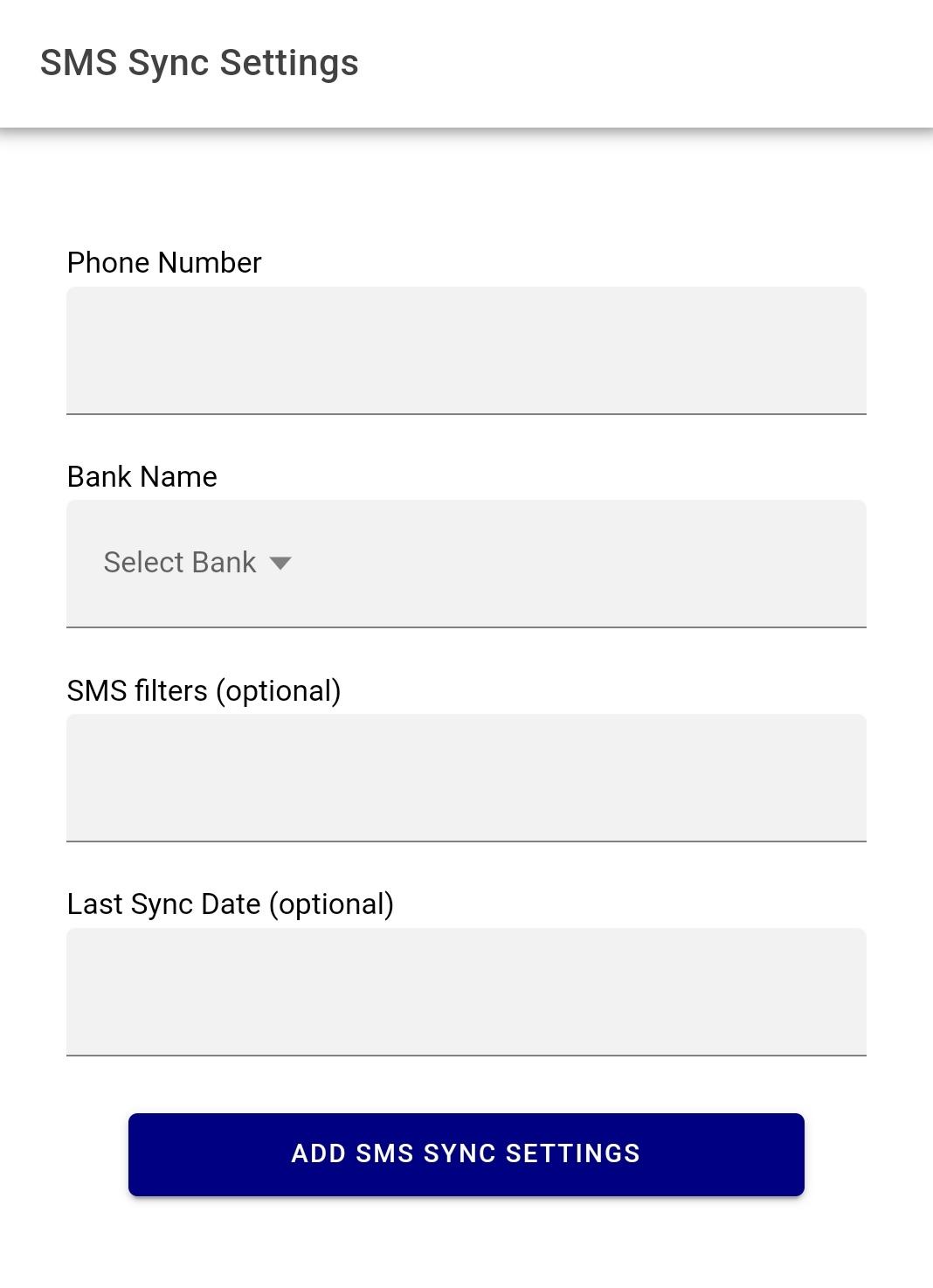
Add the SMS filters. This lets Bomahut read only the bank SMS messages that contain transaction information.
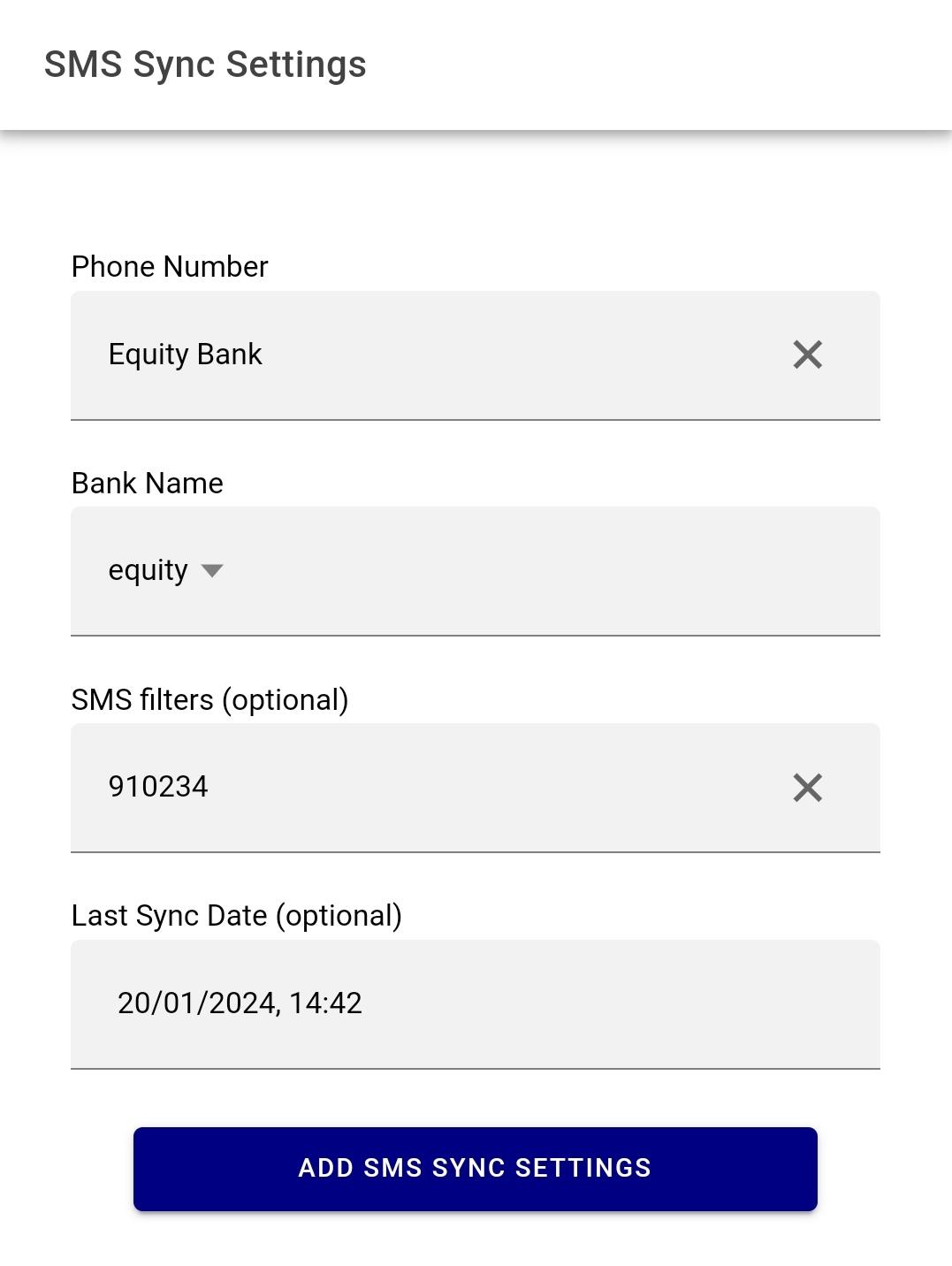
Step 7. Add the SMS filters
Add the SMS filtering information. Once the filters have been added, go back.
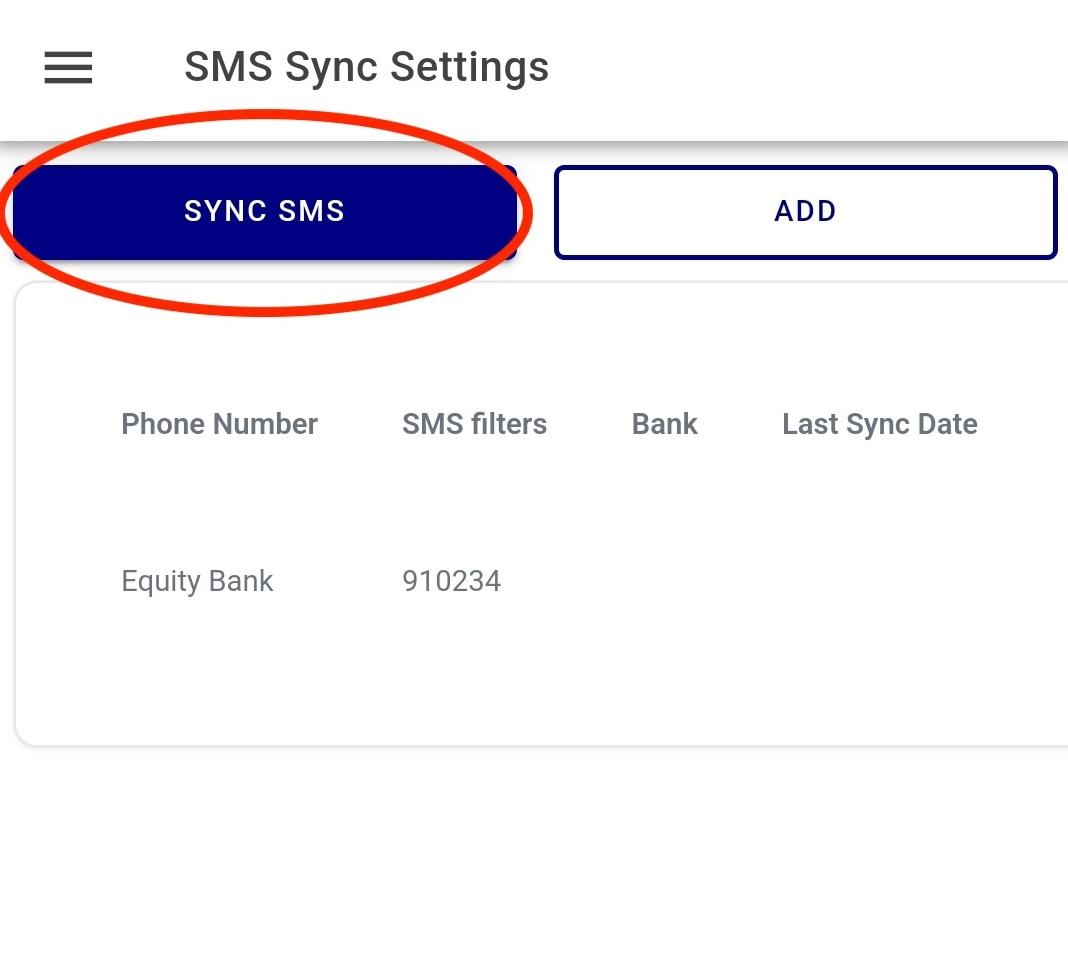
Step 8. Select 'Sync SMS' on the top left
Sync SMSes and the messages should upload to your account so payments can be created from them.
Done. Your payment recording is now fully automated.